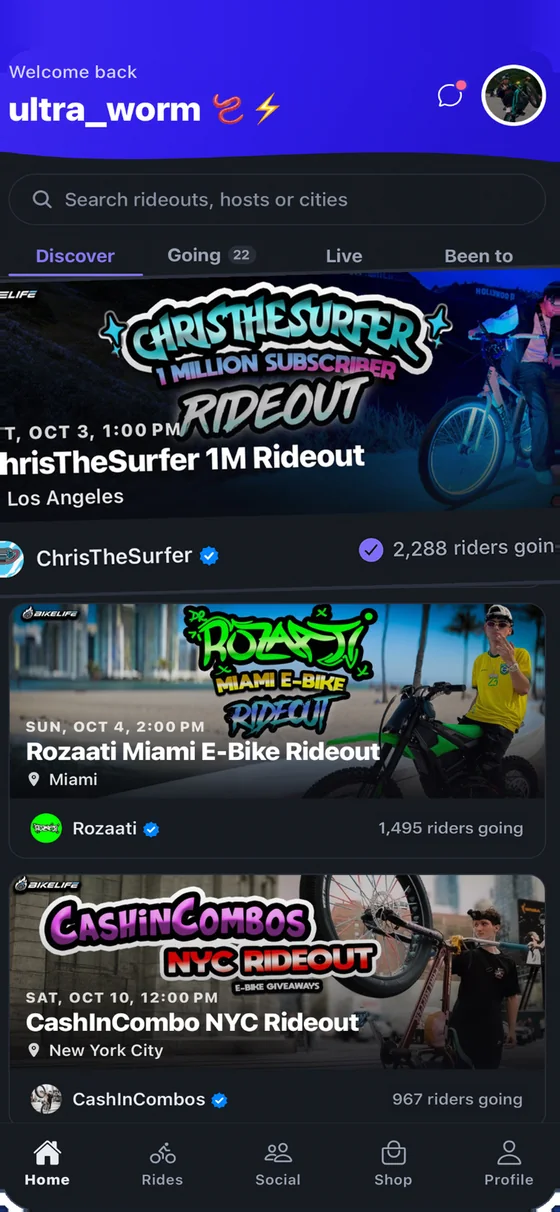
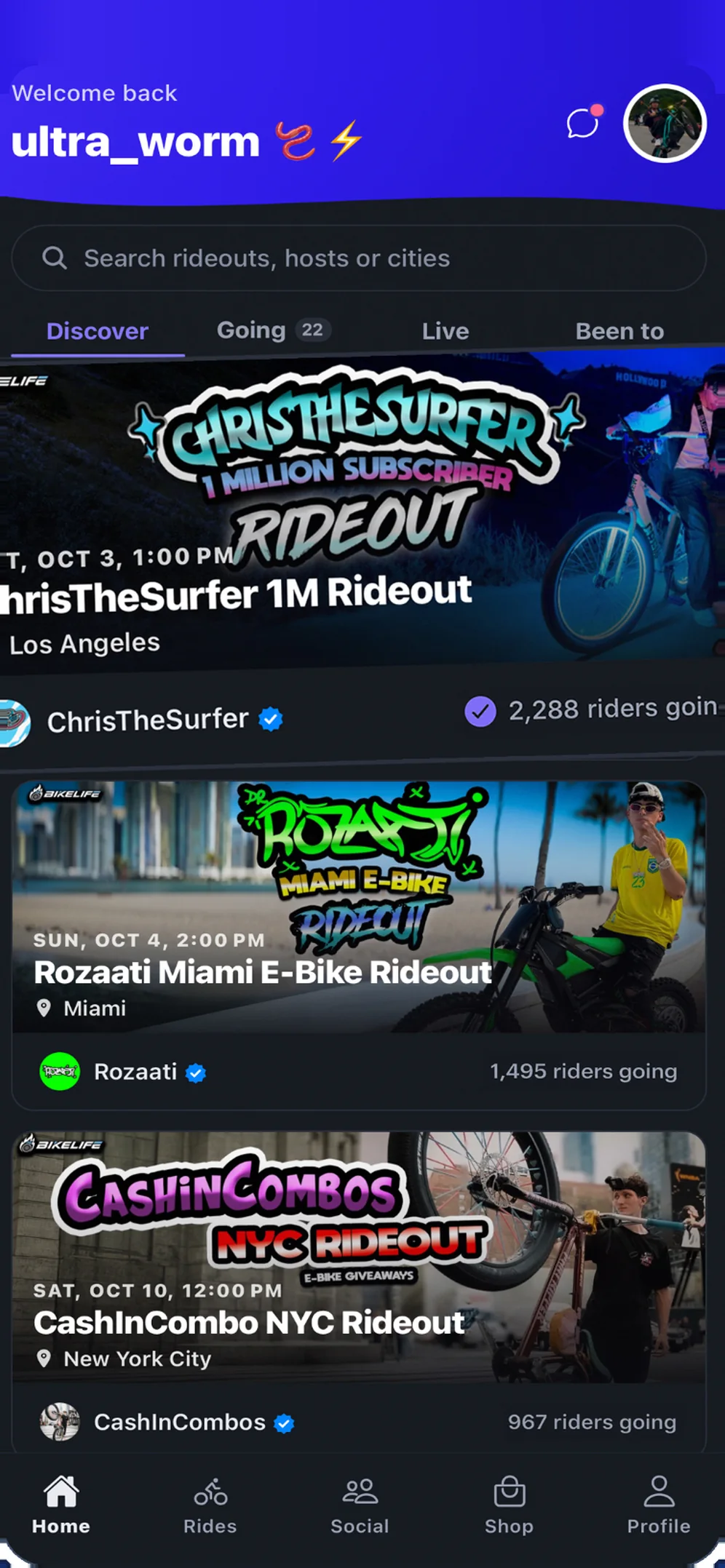
Rideouts get planned across group chats, comments and DMs, and half the riders never see them. BikeLife puts the whole ride in one place.
Never miss a rideout
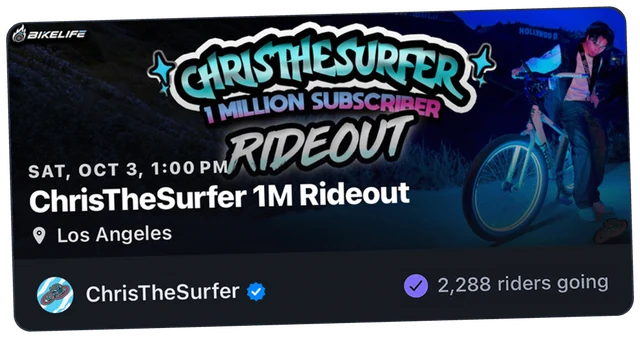
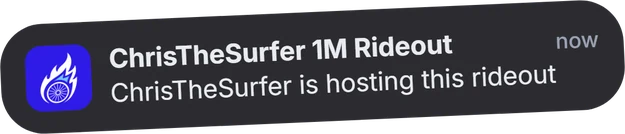
Every rideout near you, with the meetup spot, the time, the route and who's going. Swipe to RSVP and the host knows you're coming. When a rider you follow hosts one, you get a notification.
Host your own
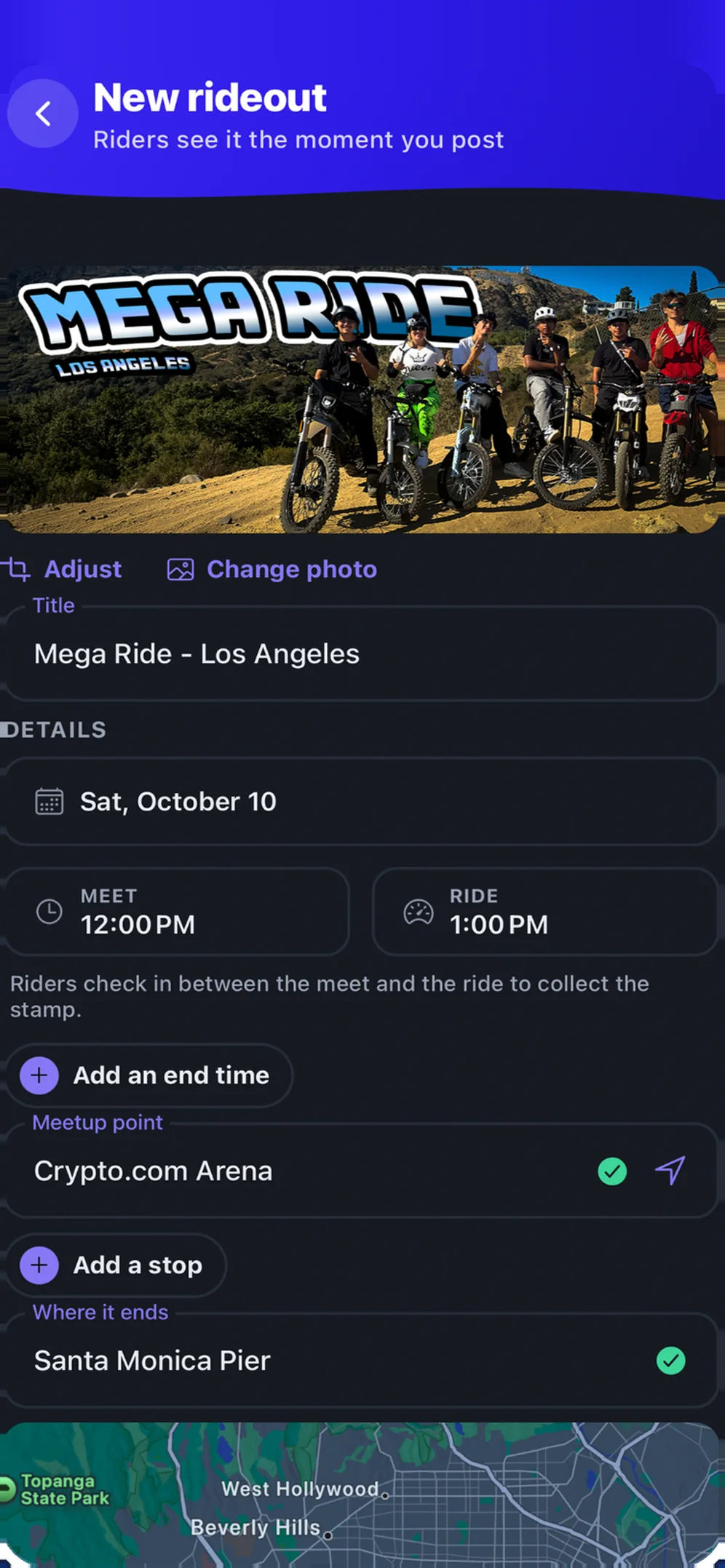
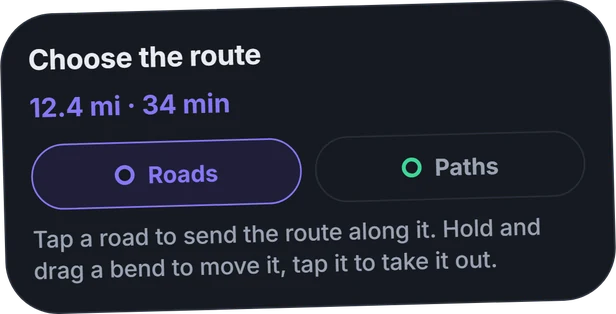
Drop the meetup spot, plan the route on real roads or along paths, and set a time to meet and a time to ride. Riders near you see it the moment you post.
Ride together
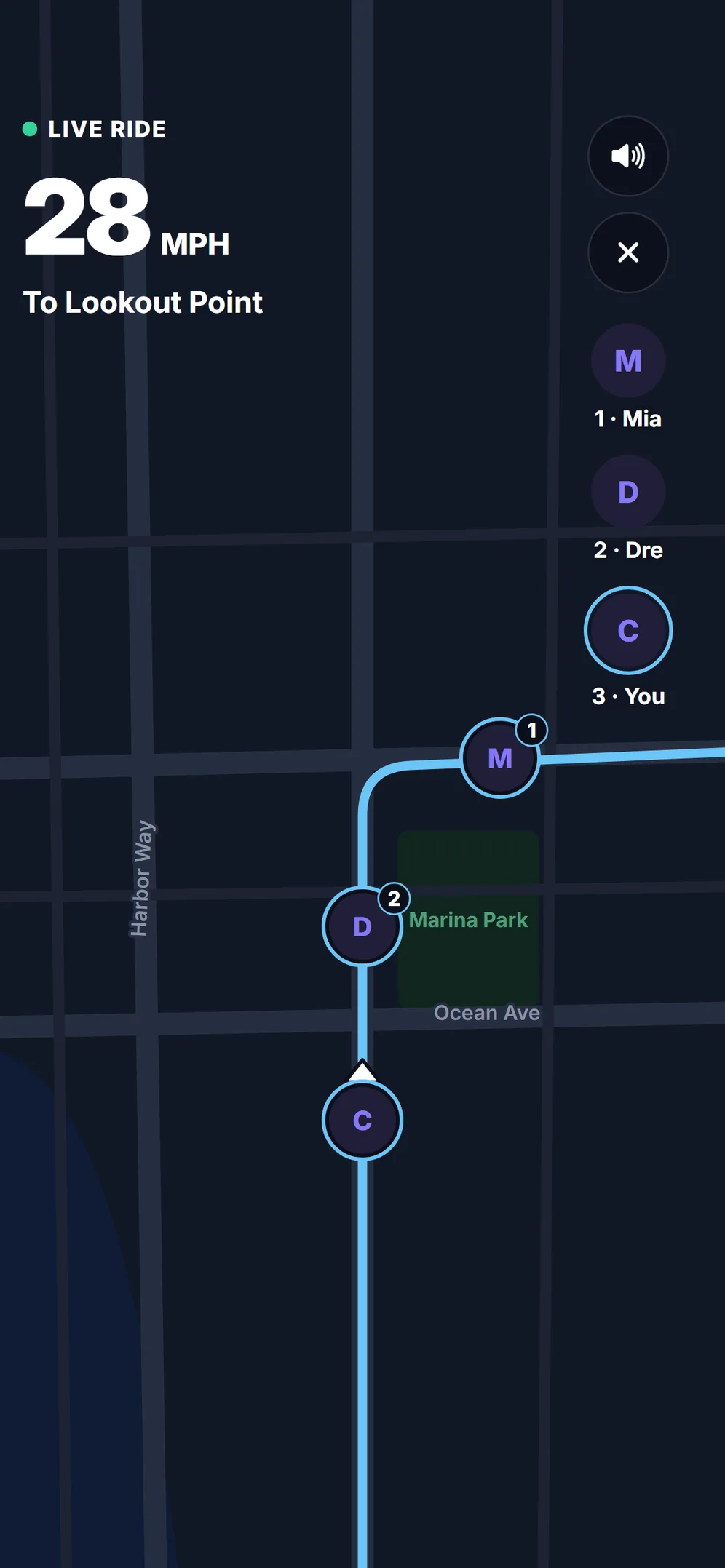
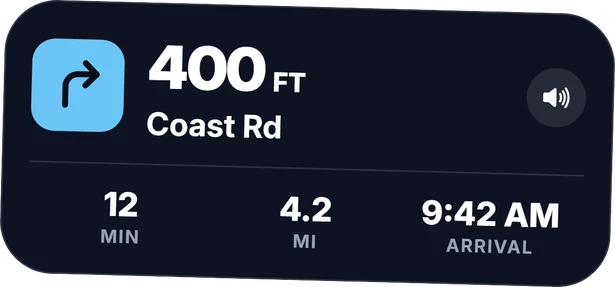
Start navigation for spoken directions at every turn of the host's route, and a live map of everyone on the ride, numbered front to back. It keeps going with your phone locked.
Stamp every ride
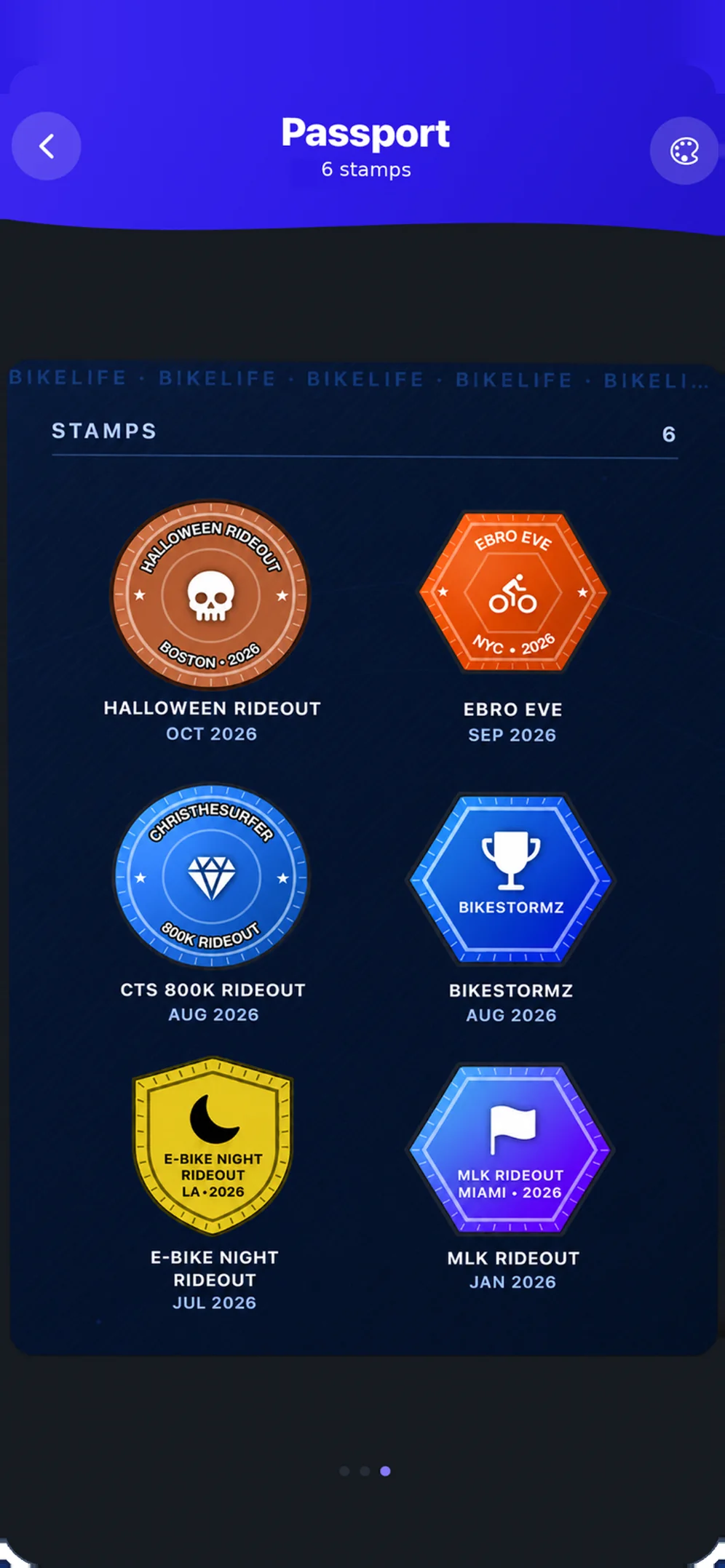
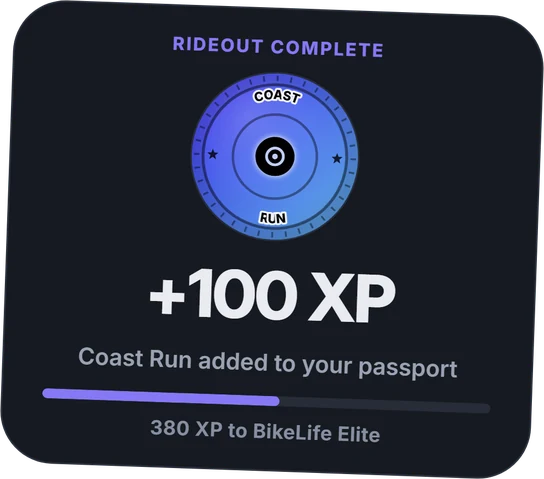
Check in at the meetup between the meet time and the ride time to collect the rideout's stamp. Each host designs their own, and every ride earns XP toward your next rank.
One passport for every ride
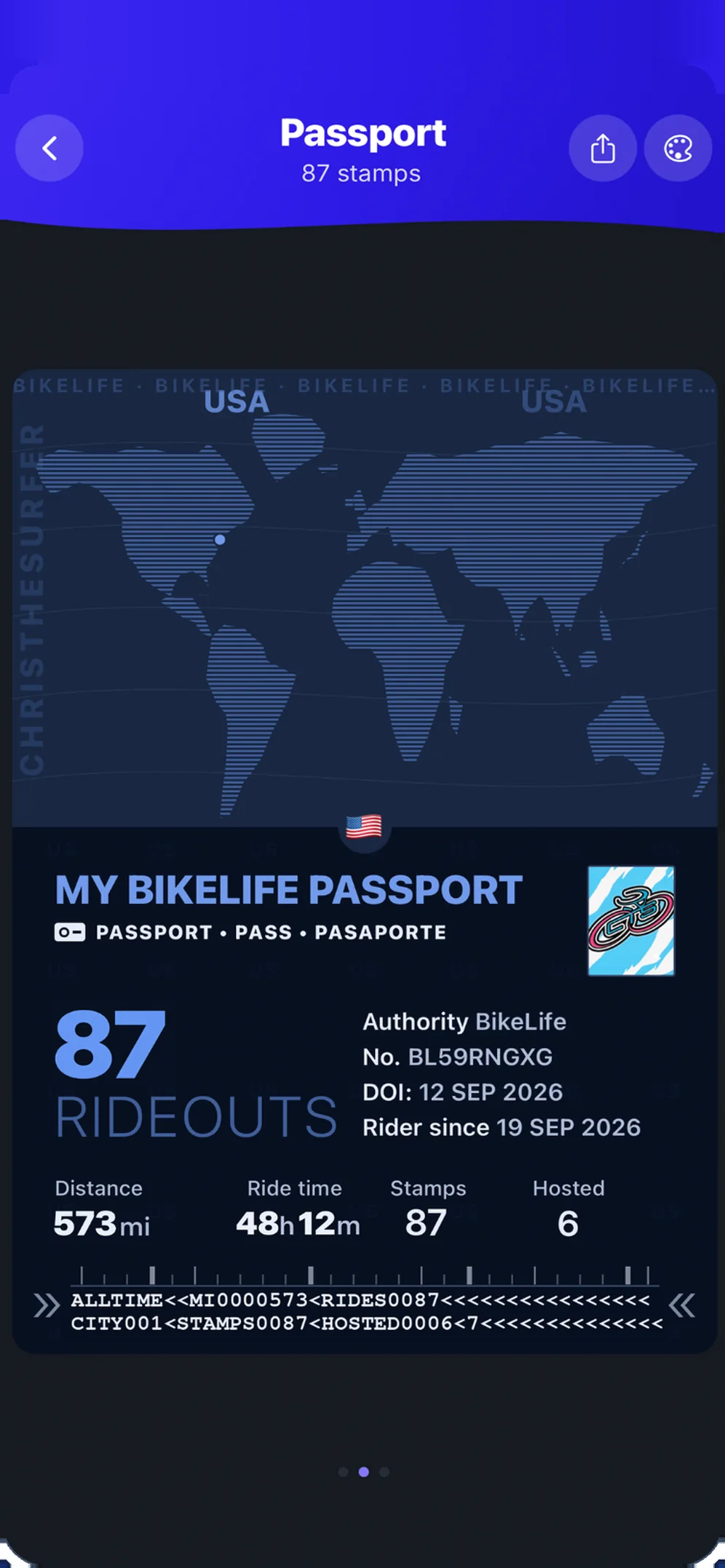
Your miles, ride time, stamps and rideouts hosted, in a passport that only fills up when you show up. Tap any stamp to replay that rideout.
Share the ride
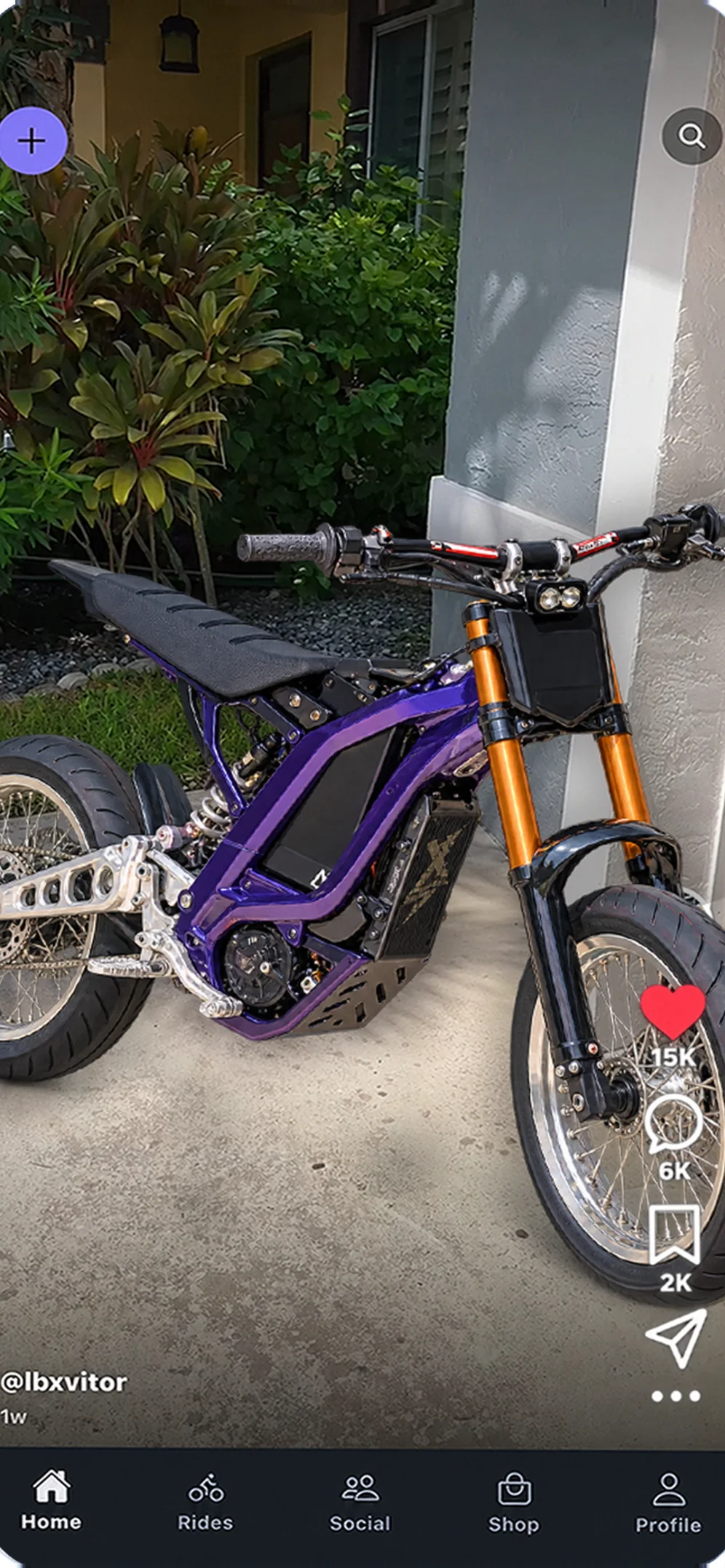
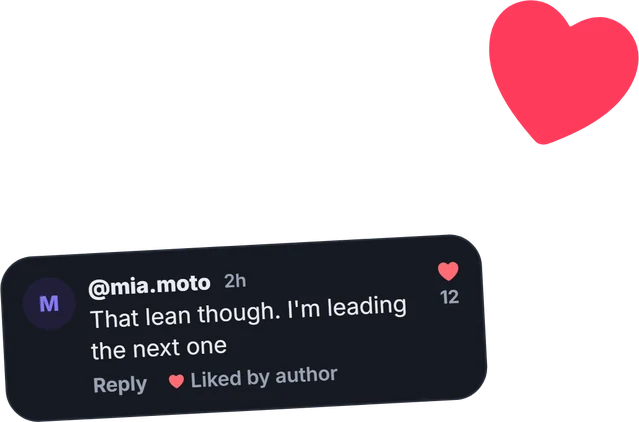
Post your clips, tag the riders you rode with and reply in the comments. The feed shows you clips you haven't seen first, so new riders get seen too.
Roll with your crew
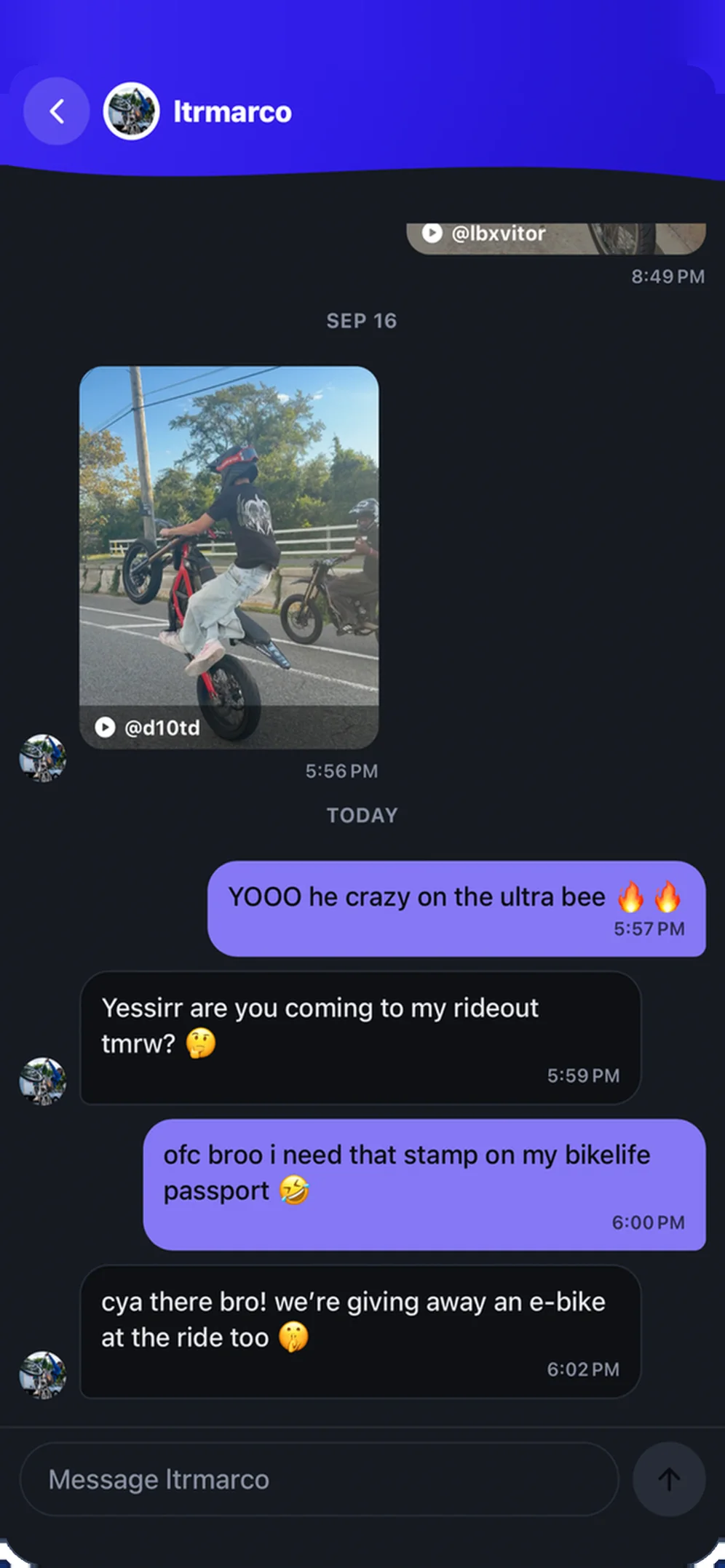
Message riders one to one or in groups, send clips straight into the chat, and join a crew with its own chat and boards for the day, the week and the month.
Make your mark
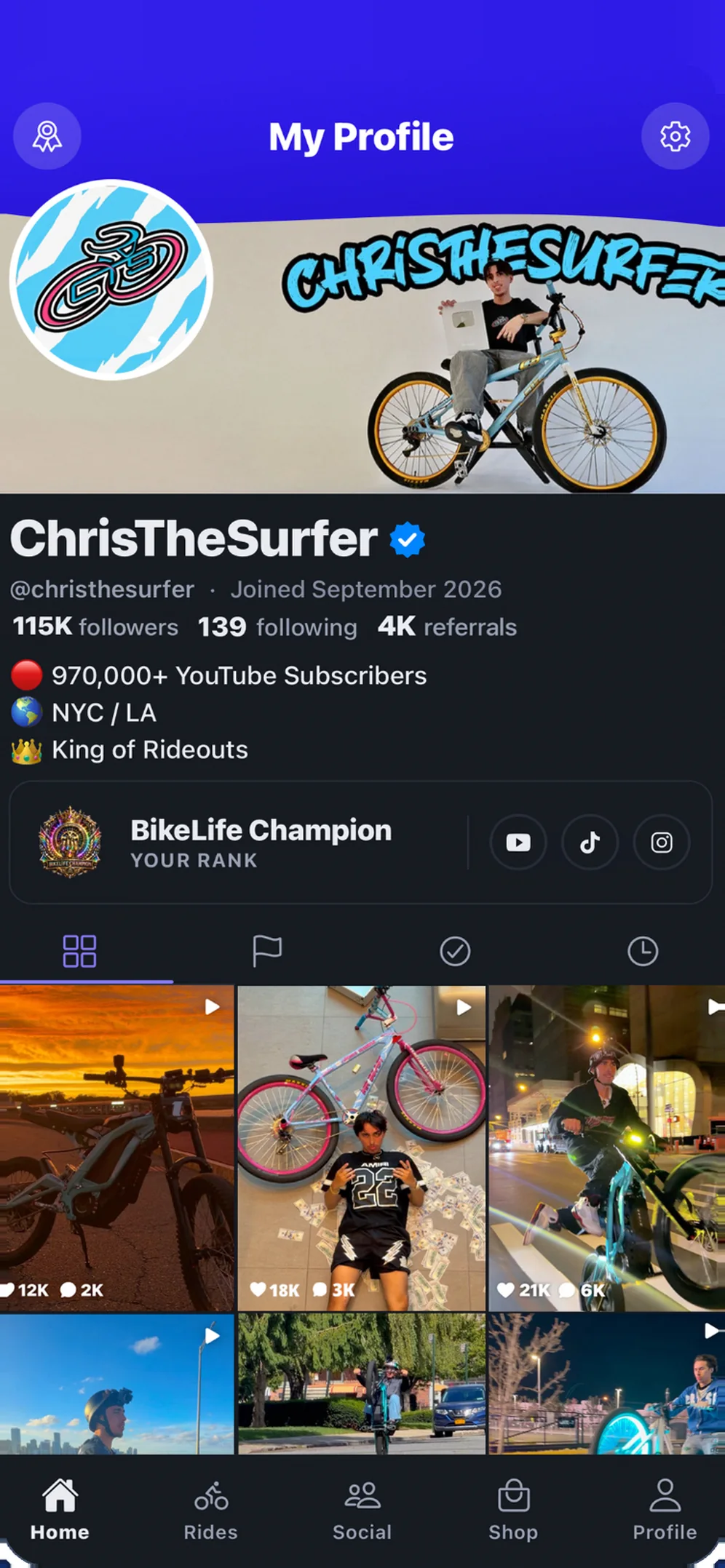
Your clips, your rank and your rideouts on one profile, with your YouTube, TikTok and Instagram. Wear a frame around your picture to stand out.
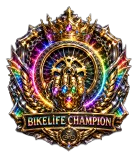
From Worm to BikeLife Champion
Nine ranks, earned by riding and hosting. Season XP climbs the ladder, and every 13-week season starts the climb again.
WormStart
Young Bull100 XP
Comeup Rider300 XP
Street Rider700 XP
BikeLife Elite1,500 XP
Street Legend2,750 XP
Rideout Veteran5,500 XP
Wheelie King11,000 XP
BikeLife Champion20,000 XP
Nothing in the shop buys XP or a rank. The top ranks also ask for rideouts attended or hosted that season, proven at the meetup.
Riding is free. Always.
Everything that makes a rideout costs nothing. Pro and Ultimate are for riders who host and want to stand out.
Prices in US dollars; the App Store shows the price where you are. A membership renews until you cancel it in your iPhone's Settings. Hosting is for riders 18 and over.
Safe to show up to
What every rider can count on.
Only on the ride
Riders see where you are only on a live rideout you're on, and only while your ride screen is open.
16 and up
Riders who are 16 or 17 get a teen account: messages only from riders they follow, nothing overnight, and hosting from 18.
Report anything
Report a rider, clip, comment or message in a couple of taps, and block anyone. Our team reviews every report.
Never sold
We never sell your information, never track you across other apps and never use your messages to train AI.
BikeLife is an app for riders on pedal bikes, e-bikes and e-moto. Find and host rideouts, ride them together with turn-by-turn directions, and keep every ride you show up to in your Passport.
Is BikeLife free?
Yes. Joining rideouts, checking in, collecting stamps, posting clips and messaging are all free, and you can host a rideout a month. Pro and Ultimate are optional, and each starts with 7 days free.
How do I collect a stamp?
Turn up. Check in from the rideout's page when you're at the meetup, any time between the meet time and the ride time. The stamp goes in your Passport and the XP goes toward your rank.
How do directions work on a ride?
Tap Start navigation on a rideout you're going to. BikeLife speaks every turn of the host's route from wherever you are, plans again if you leave it, and keeps talking with your phone locked.
Who can see where I am?
Only riders on the same live rideout, and only while your ride screen is open. Planning a route sends its points to BikeLife's own routing server. We never sell your information.
16 or older. Riders who are 16 or 17 get a teen account: only riders they follow can message them, notifications stay quiet overnight, and hosting opens at 18.
Can I cancel a membership?
Any time, in your iPhone's Settings: tap your name, then Subscriptions. Cancel before your free week ends and you won't be charged.
How do I delete my account?
In the app, go to Settings and tap Delete account. Your profile, clips, messages and rides are erased, and you're signed out everywhere.
Is BikeLife on Android?
Not yet. BikeLife is on iPhone first, and Android is on the way.
I run a brand. Can we work together?
Yes. Tell us what you have in mind on the brands page.